
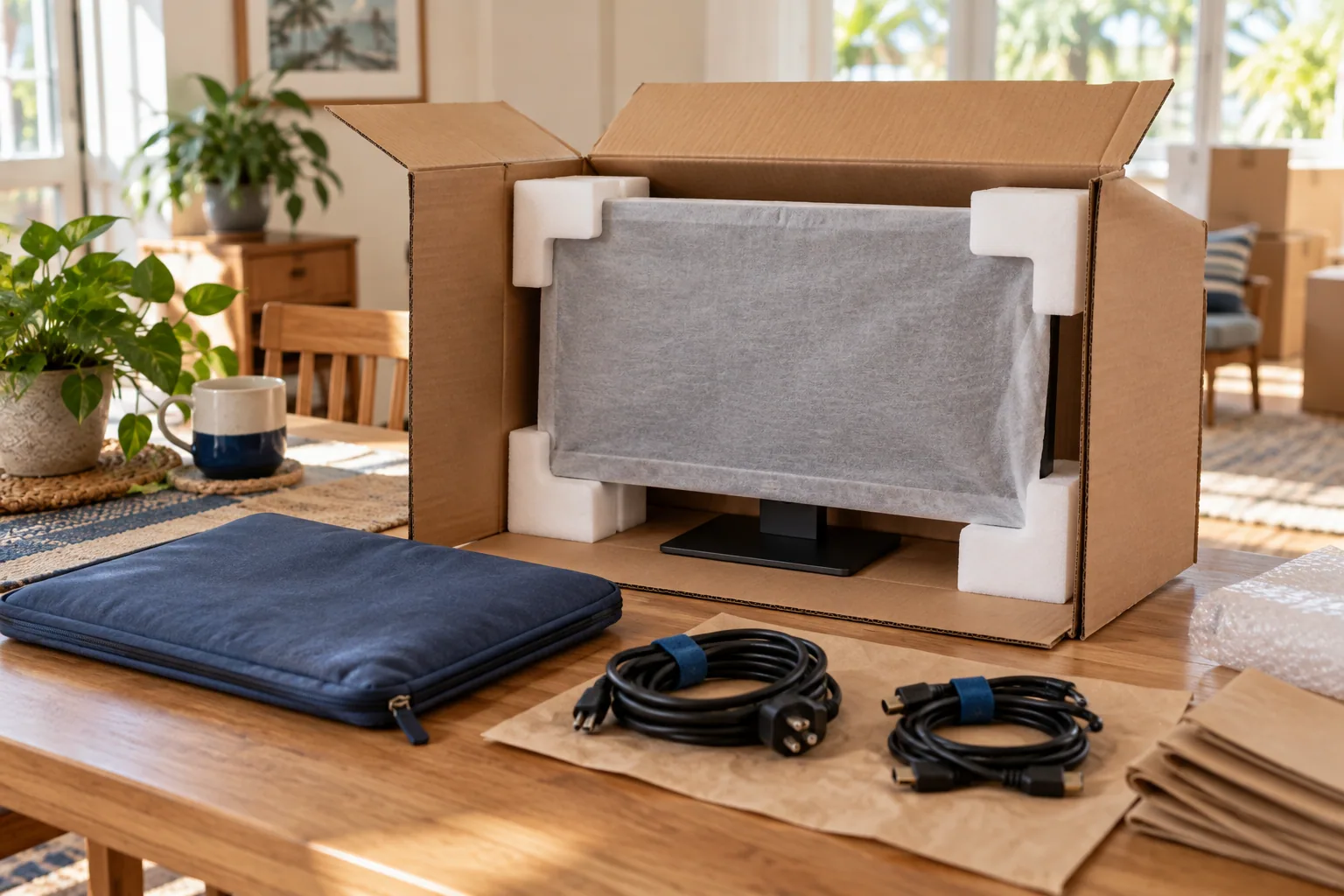
Preparing Your Electronics for the Move
A TV or computer is easier to unpack when its cables, parts and packaging are organized before the move. Photograph the connections and the item’s condition, then check the manufacturer’s transport instructions.
Gather the Right Materials
Before you start packing, make sure you have all the necessary materials:
- Original boxes and packaging
- Bubble wrap
- Packing paper
- Sturdy moving boxes
- Anti-static packing peanuts
- Cable ties or twist ties
- Labels and markers
Steps to Pack Your Electronics
1. Back Up Important Data
Before packing computers or other data-driven devices, ensure all important data is backed up. Use external hard drives or cloud services to safeguard your information.
2. Organize and Label Cords
Disconnect all cables and cords, and use cable ties to keep them organized. Label each cord so you know exactly where it belongs when you set up in your new home.
3. Use Original Packaging
If possible, pack electronics in their original boxes. These boxes are designed to provide the best protection. If you don't have them, use sturdy boxes and fill any gaps with packing peanuts or bubble wrap.
4. Wrap Items Carefully
Use packing materials suitable for the device, including anti-static protection where needed. Follow the manufacturer’s instructions, cushion the item without putting pressure on screens, and keep adhesive tape off the device itself.
5. Secure the Boxes
Seal the boxes with strong packing tape. Label each box with its contents and mark it as 'Fragile' to ensure careful handling.
Consider Professional Help
If packing electronics seems overwhelming, consider hiring professionals. Mr. Box Moving & Storage offers expert packing services to ensure your electronics are transported safely and securely.
Final Checks
Before the move, double-check all boxes to ensure they are sealed and labeled correctly. Keep a list of all electronics and their corresponding boxes for easy tracking.
Keep the cable bag with its matching device and carry important backups separately. At the new home, allow equipment to reach room temperature before reconnecting it if the manufacturer recommends it.